Design Emails You’re Proud to Send
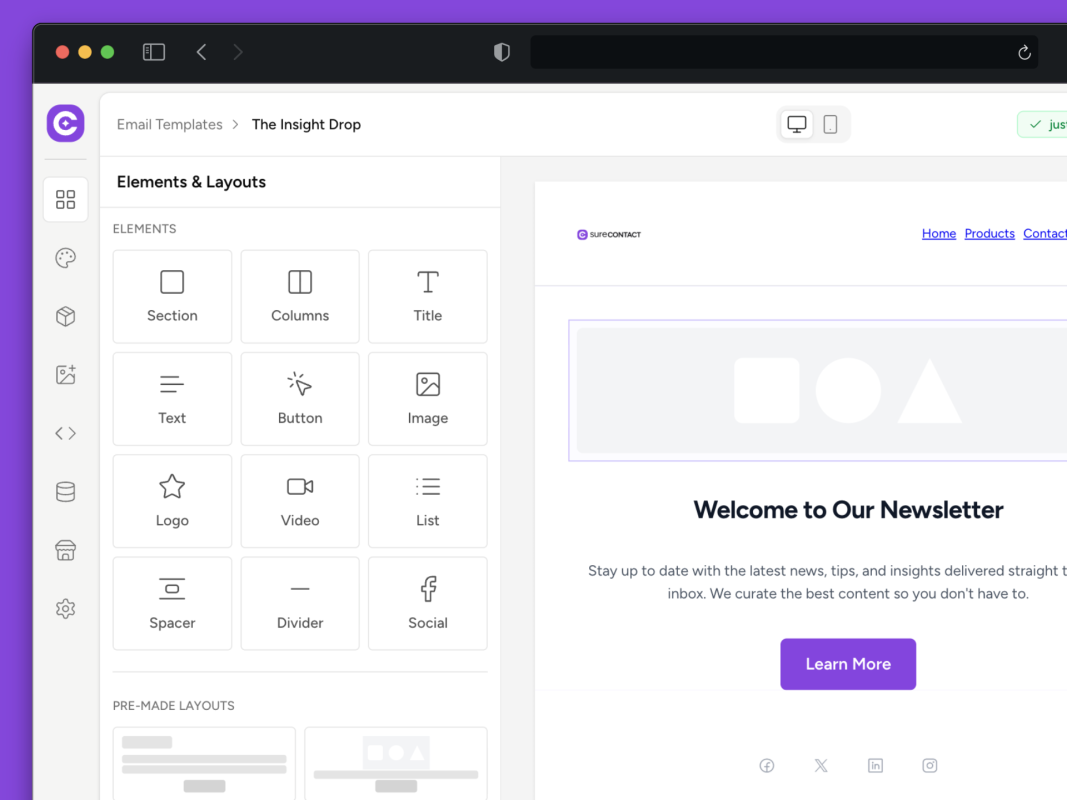
A drag-and-drop builder that just makes sense. Your brand carries through every template, layouts look right in every inbox, and templates are ready to customize from the start.
No design skills needed.

Most email builders make design
harder than it should be

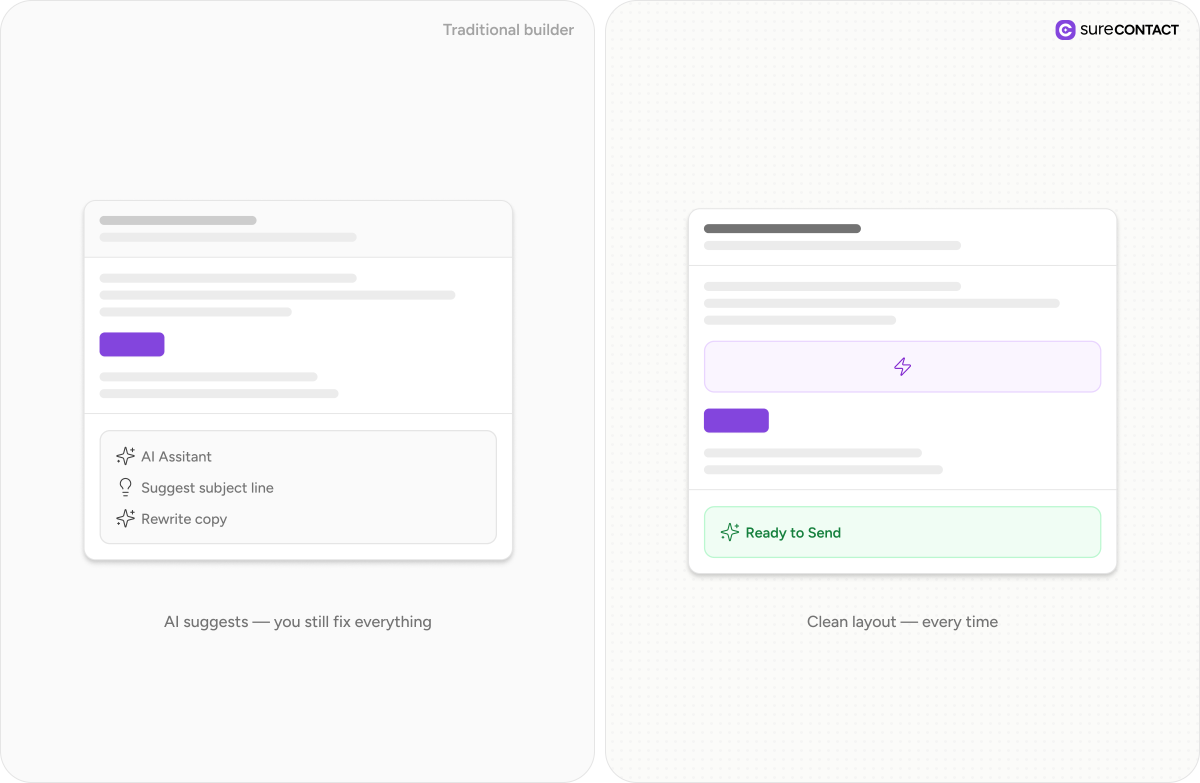
You open the builder and start with a blank canvas or a rigid grid. Simple layouts take longer than they should, and small changes break the structure.
Even when you get it right, it rarely looks the same everywhere. What works in preview falls apart in inboxes, especially on mobile.
So you either spend too much time fixing design, or send something that doesn’t reflect your brand at all.
WHAT OUR USERS ARE SAYING
“SureContact is on another level. I love that the heavy lifting happens outside WordPress, and the connector syncing multiple sites into one dashboard is exactly what I needed. I’ve finally ditched MailerLite.”

Dariusz Chrobak
SureContact User
SureContact’s connector-based implementation is way better than MailerPress. No comparison.

Luis Apple
SureContact User
You guys are the GOAT! The speed of implementation is unchallenged to any other software provider l’ve ever used. Simply Amazing! Thanks, I’ll get started with setting everything up using Mailersend now.

Greger Hillman
Founder WPBeginner
I expected SureContact to be a nice-to-have. 67 minutes later, I loved it. It feels like OttoKit’s answer to email.

Kaneisha Grayson
Demo Queen
Incredibly fast and responsive support. List-Unsubscribe and List-Unsubscribe-Post headers were implemented immediately, and everything worked perfectly in testing.

Hervé Lancelin
Founder @ EDITO Sarl
Does exactly what it promises. The focus is squarely on conversion and user experience. The team behind the plugin consistently proves they understand entrepreneurial
needs, and their support is top-tier.

Stephan
@stephansfp
Design emails without
fighting the builder

Start with layouts that already feel right. Pick a template, drop in your content, and your emails start taking shape immediately.

Adjust spacing, sections, and blocks without breaking the layout. Everything stays aligned, responsive, and consistent as you build.

What you design is what your audience sees. Your emails render cleanly across inboxes – without extra fixes or testing loops.
Features

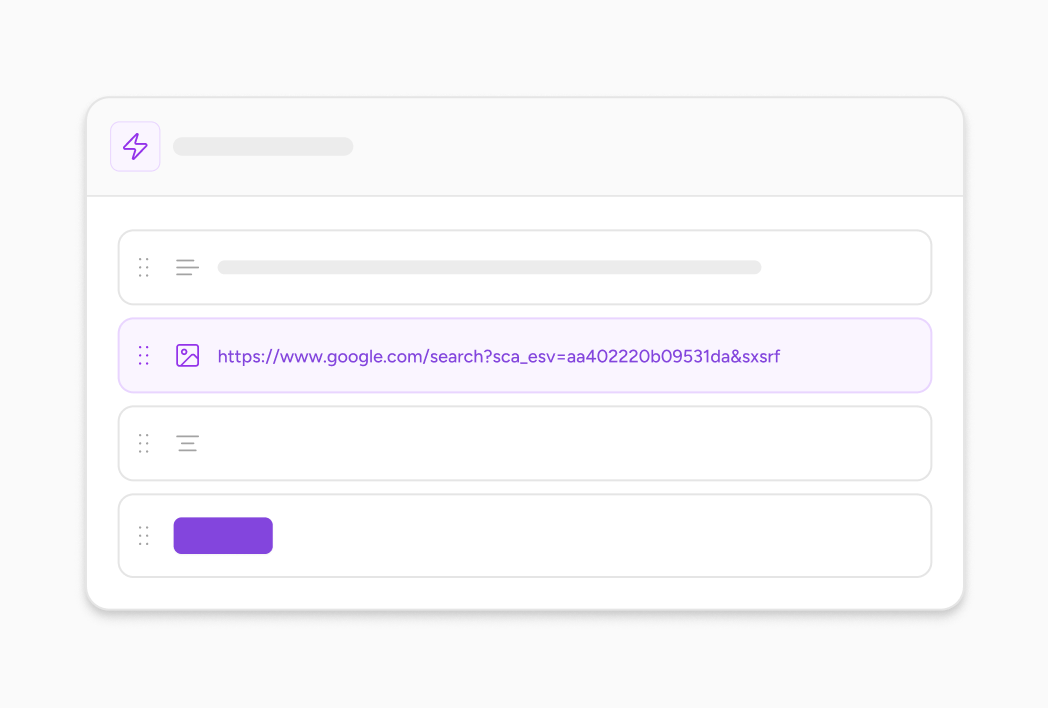
Drag, drop, and structure your email exactly how you want – no HTML, no workarounds, no rigid layouts.
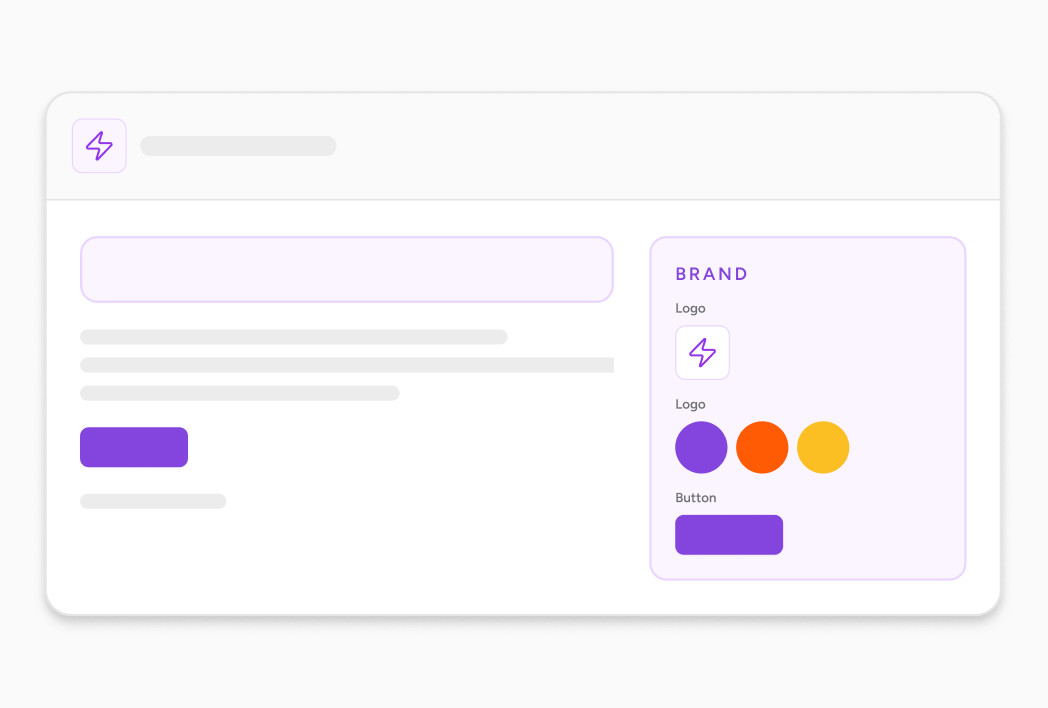
Set your colors, fonts, and styles once. Every email follows your brand automatically – without manual adjustments.
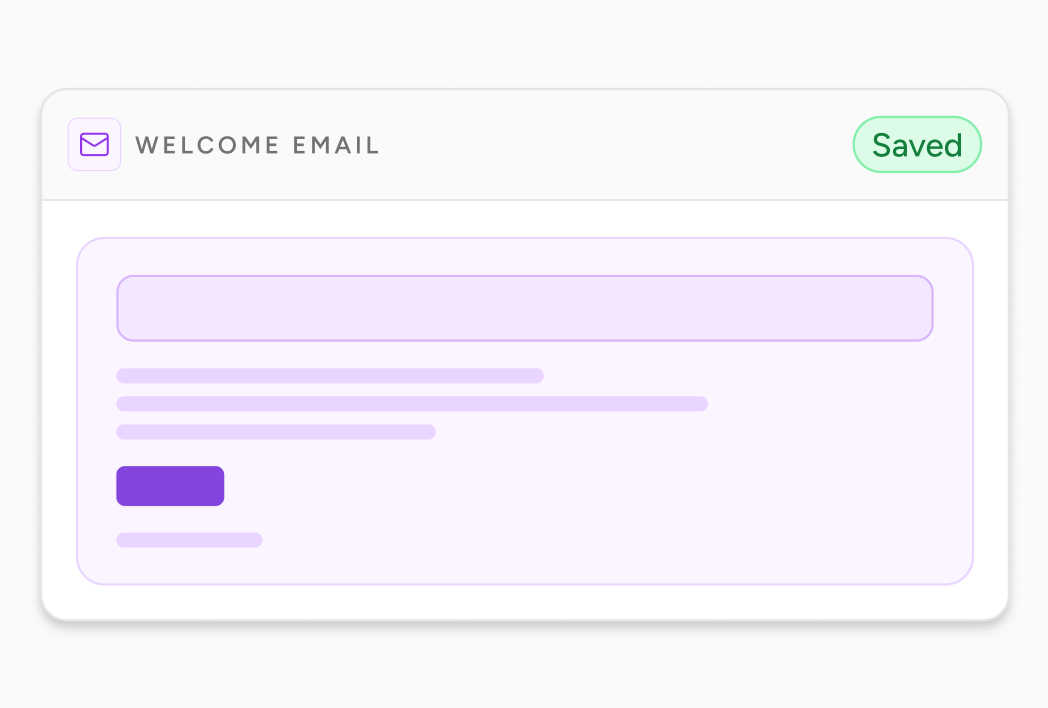
Save sections, layouts, and templates to reuse across campaigns and automations – without starting from scratch.
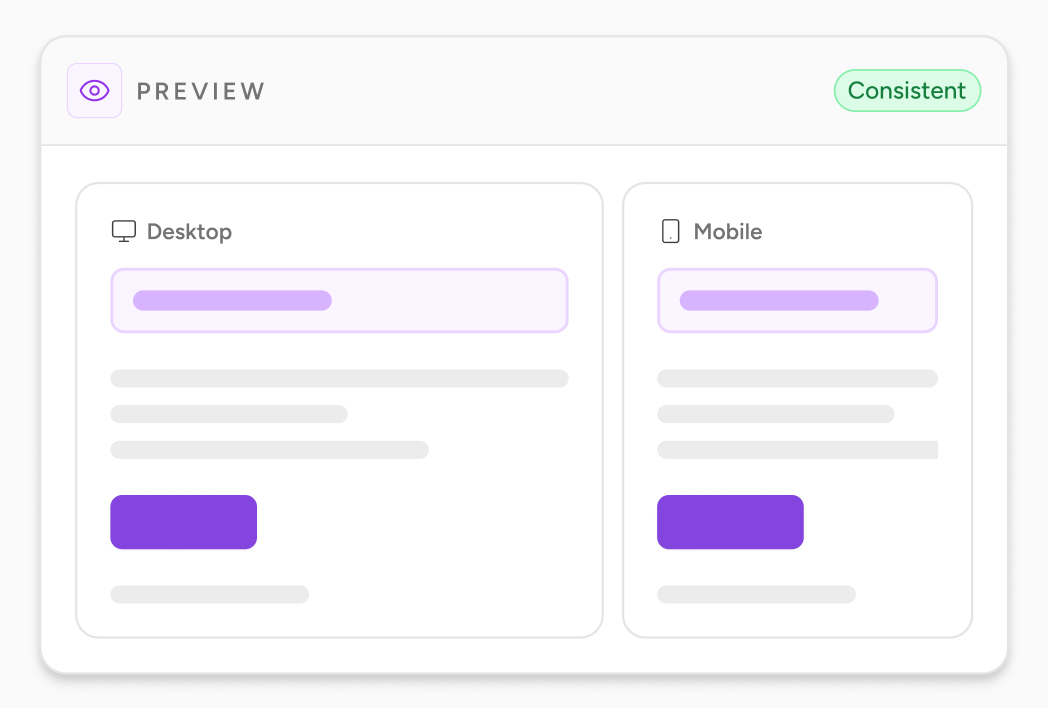
Your emails render cleanly across devices and inboxes – so what you design is exactly what your audience sees.
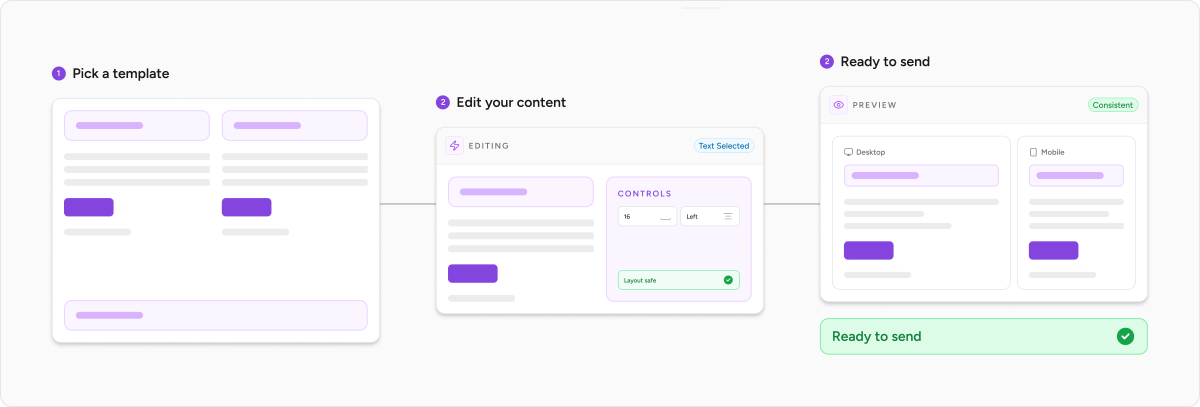
From form to first email in minutes


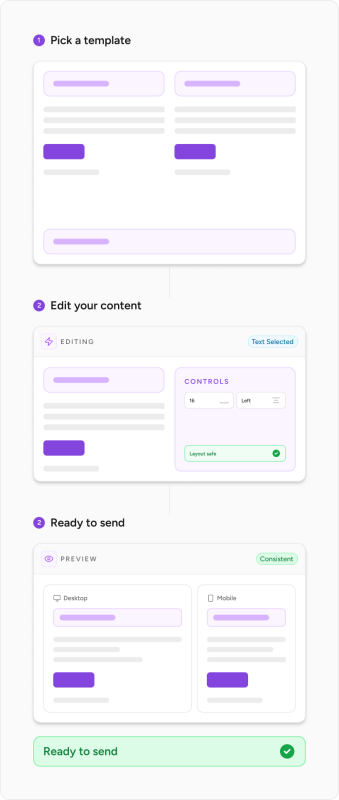
Choose a layout, add your content, and your email is ready to take shape – no blank canvas, no setup friction.
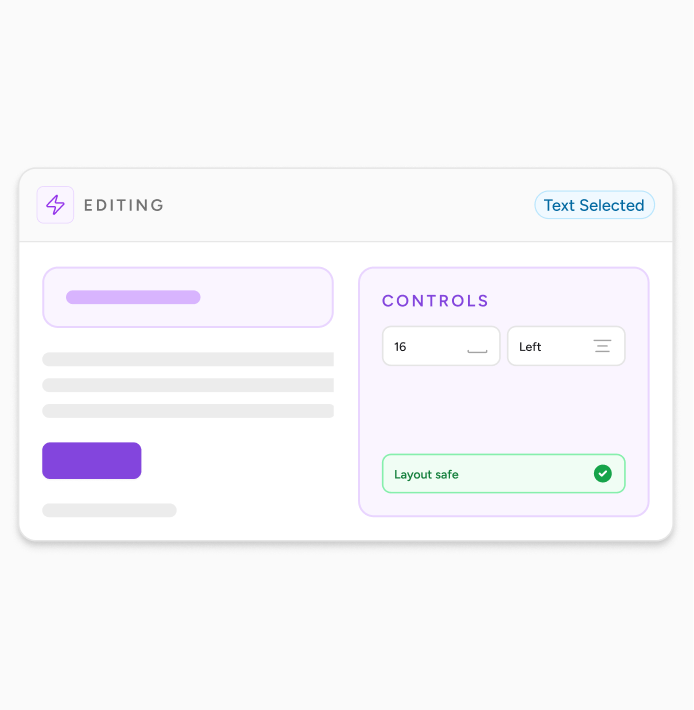
Adjust sections, spacing, and styling with simple controls. Everything stays aligned and responsive as you build.
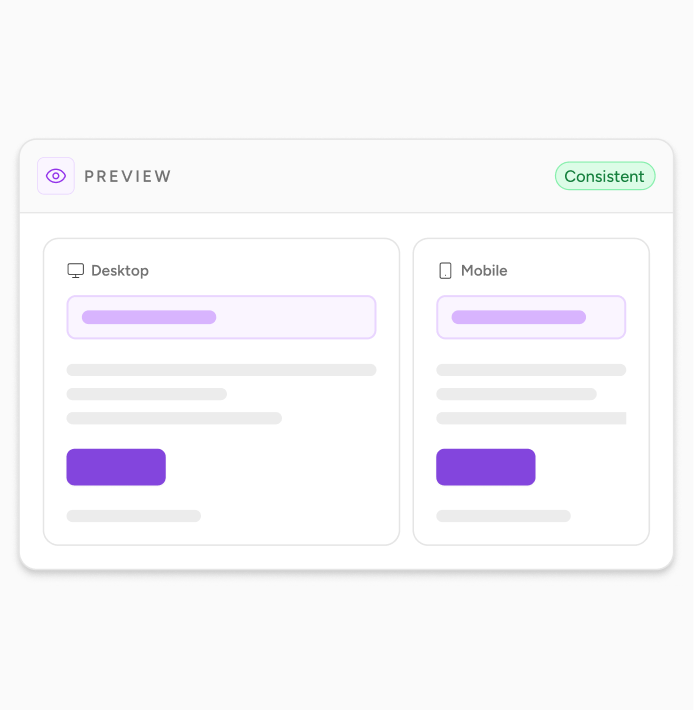
Preview your email and send. What you see in the builder is exactly what your audience receives.
Frequently Asked Questions
Everything you need to know about SureContact
Still have questions?
Can’t find the answer you’re looking for? Our team is here to help.
No. The drag and drop builder handles all formatting visually. If you want to add custom HTML for a specific layout, a dynamic snippet, or an element the block library doesn’t include, there’s an HTML block available. But it’s optional. Most emails are built without it.
Yes. All templates in SureContact are responsive by default. The layout adjusts automatically for mobile and tablet screens. You can preview your email across different screen sizes inside the builder before sending.
Yes. Inside the Email Template Builder, there’s a Share Template option that generates a shareable link. Anyone with the link can view, edit and use the template in their own workspace. This is useful for agencies handing off templates to clients, or teams using a consistent design across multiple sites.
Spintax lets you define multiple variations of any text by writing them inside curly braces separated by pipe characters, for example, {Hello|Hi|Hey there}. When the email is sent, each recipient gets one of the options, chosen randomly from the set. You write Spintax directly in the subject line or body of any email. No configuration needed, just write the syntax and SureContact handles the rest.
Yes. SureContact supports importing custom HTML email templates. If your team has a coded template you already use, you can upload it, use it as a starting point for campaigns and edit the HTML directly in the builder’s HTML block.
Built by the team behind
WordPress’s biggest platforms.

Your next email can look like a designer made it.
Start with a template, customize it in minutes, and send to your list, all from inside WordPress.
No credit card required.