Capture Leads and Turn Every Submission Into an Automated Flow
Build forms inside SureContact and embed them anywhere. Every submission creates a contact, assigns tags and lists, and starts your automation instantly.
No extra plugins. One tool does it all.

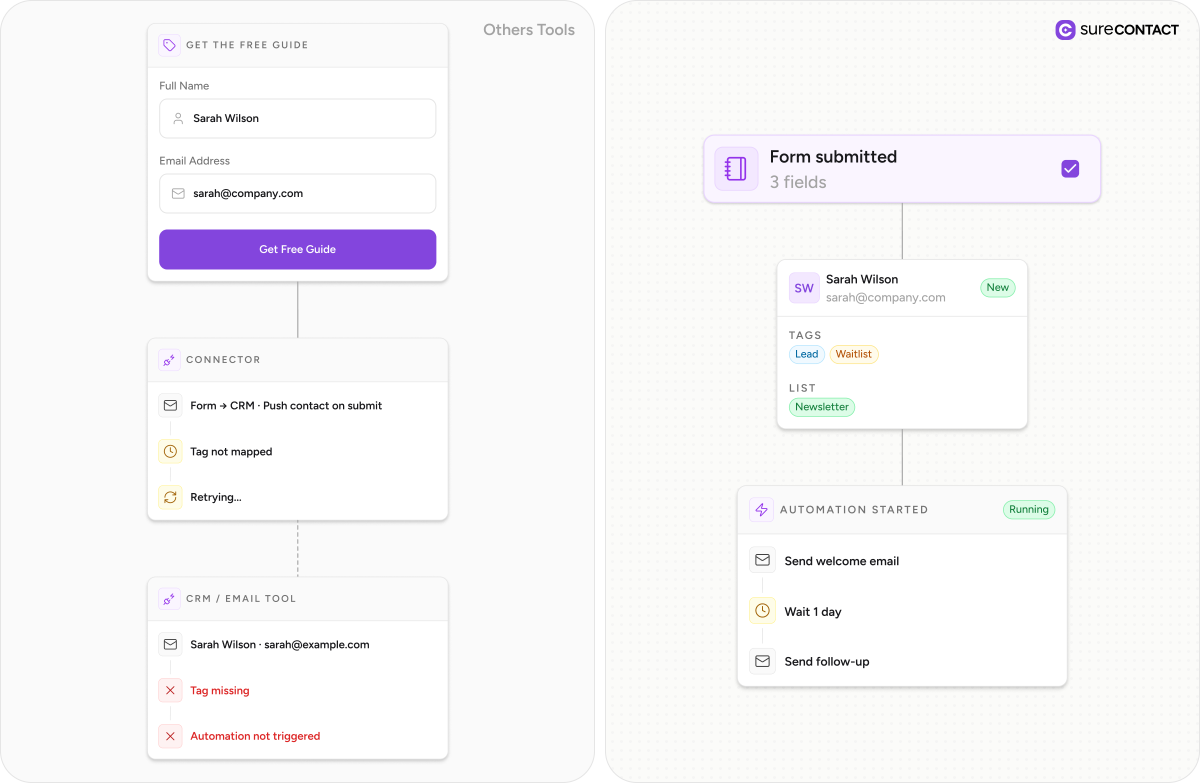
Three tools to capture one lead
isn’t a workflow. It’s a liability.

Most WordPress lead capture setups rely on a form plugin, a CRM, and a connector to link them together.
That means more cost, more setup, and more places where things break – from missing tags to automations that never trigger.

SureContact brings everything into one place.
WHAT OUR USERS ARE SAYING
“SureContact is on another level. I love that the heavy lifting happens outside WordPress, and the connector syncing multiple sites into one dashboard is exactly what I needed. I’ve finally ditched MailerLite.”

Dariusz Chrobak
SureContact User
SureContact’s connector-based implementation is way better than MailerPress. No comparison.

Luis Apple
SureContact User
You guys are the GOAT! The speed of implementation is unchallenged to any other software provider l’ve ever used. Simply Amazing! Thanks, I’ll get started with setting everything up using Mailersend now.

Greger Hillman
Founder WPBeginner
I expected SureContact to be a nice-to-have. 67 minutes later, I loved it. It feels like OttoKit’s answer to email.

Kaneisha Grayson
Demo Queen
Incredibly fast and responsive support. List-Unsubscribe and List-Unsubscribe-Post headers were implemented immediately, and everything worked perfectly in testing.

Hervé Lancelin
Founder @ EDITO Sarl
Does exactly what it promises. The focus is squarely on conversion and user experience. The team behind the plugin consistently proves they understand entrepreneurial
needs, and their support is top-tier.


Stephan
@stephansfp
One form. One platform.
No connectors needed.

Create lead forms, waitlists, and signups directly in your workspace. No third-party tools or integrations required.

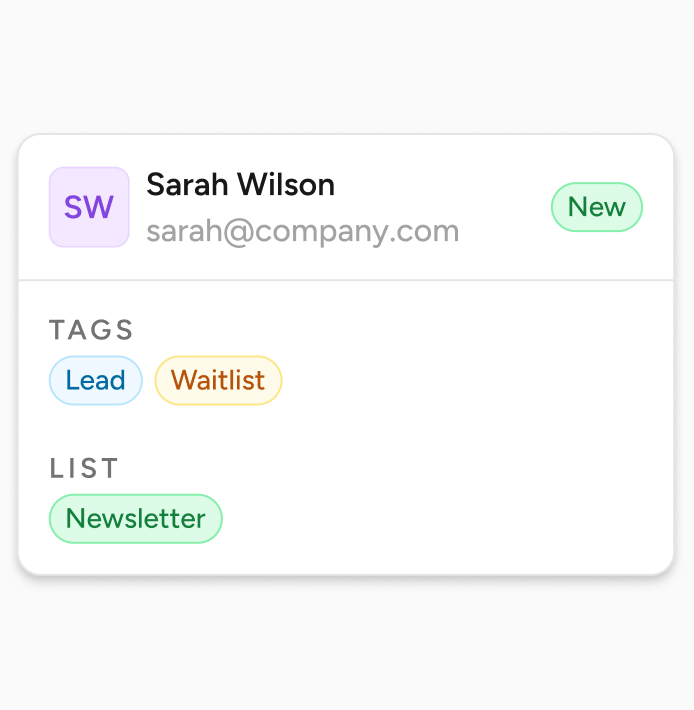
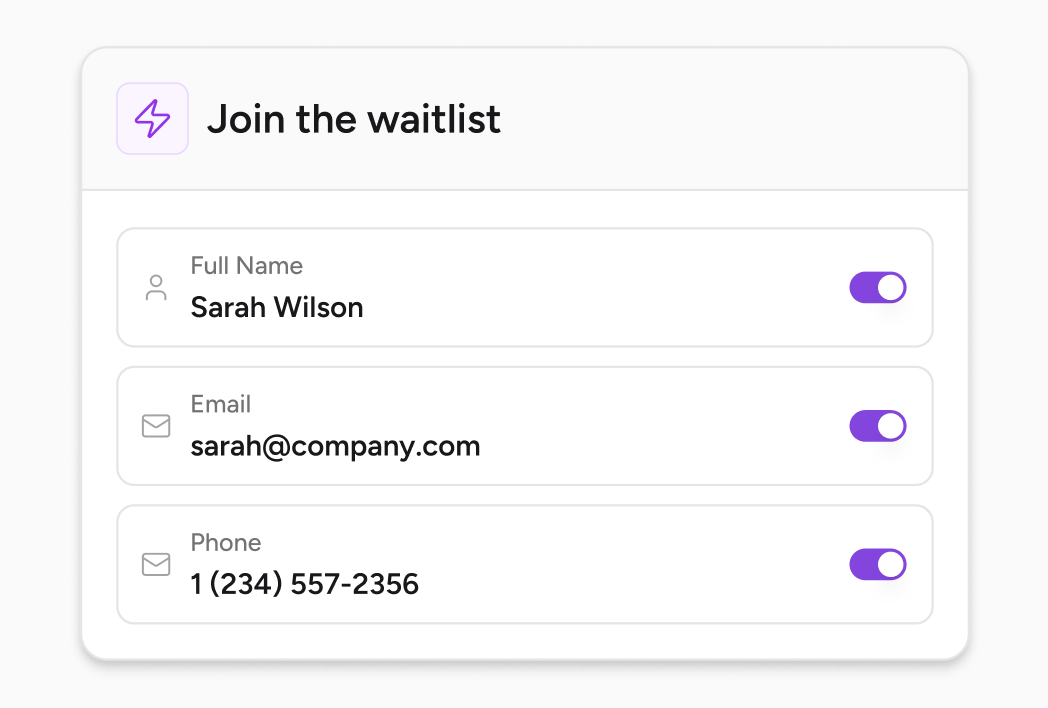
Every submission creates or updates a contact, assigns the right list and tags, and keeps your data organized from the start.

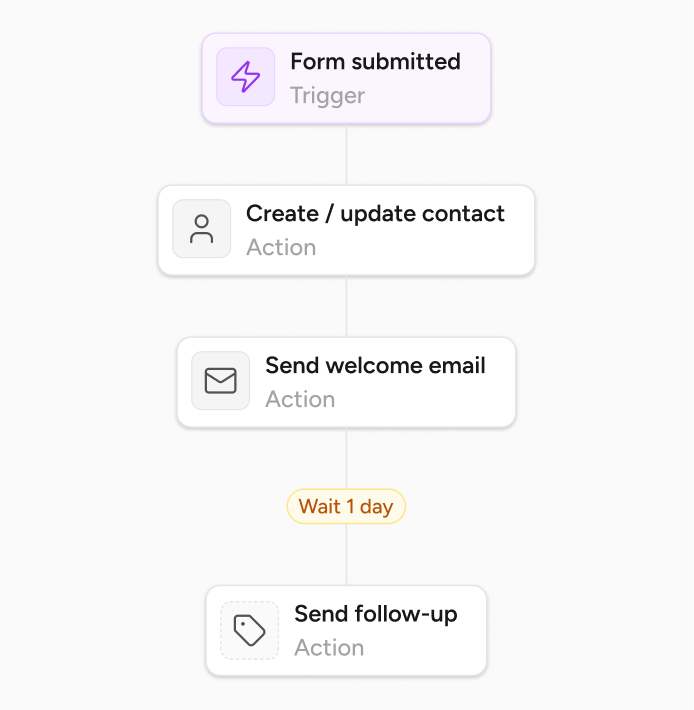
Trigger workflows as soon as a form is submitted – from welcome emails to follow-ups and internal notifications.
Features

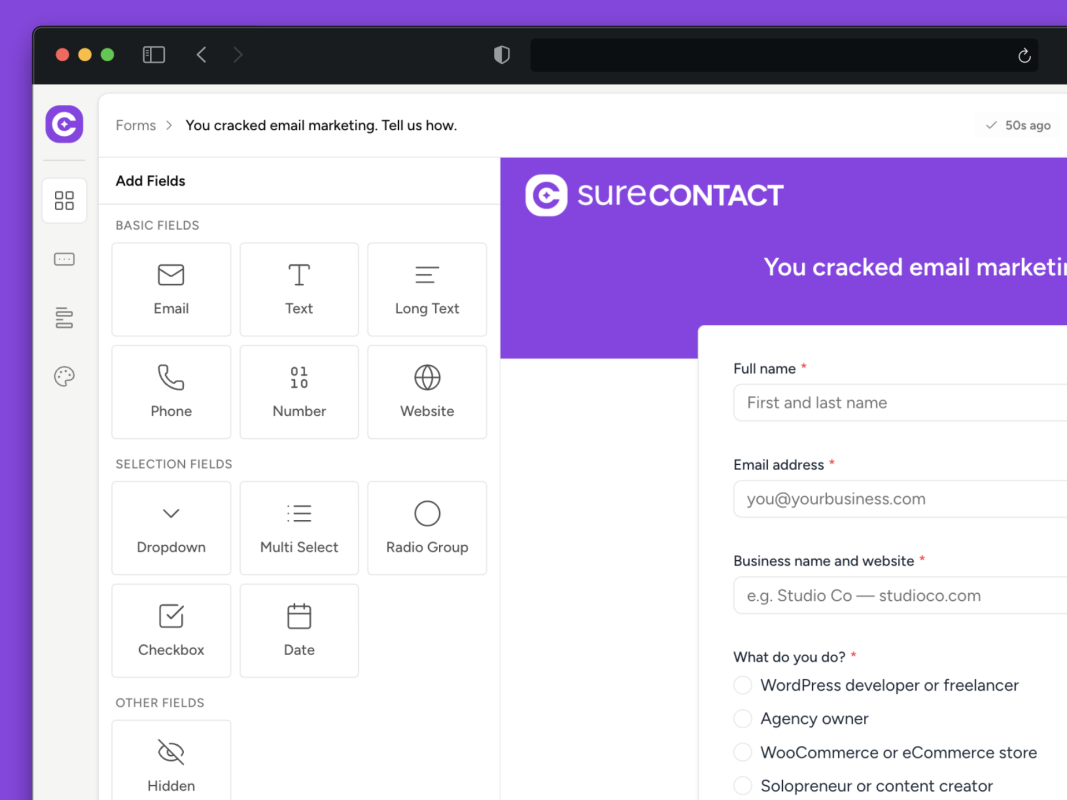
Create lead forms, waitlists, and signup forms directly inside your workspace. Customize fields, layout, and what happens after submission – all in one place. Share via link or embed on any WordPress page.
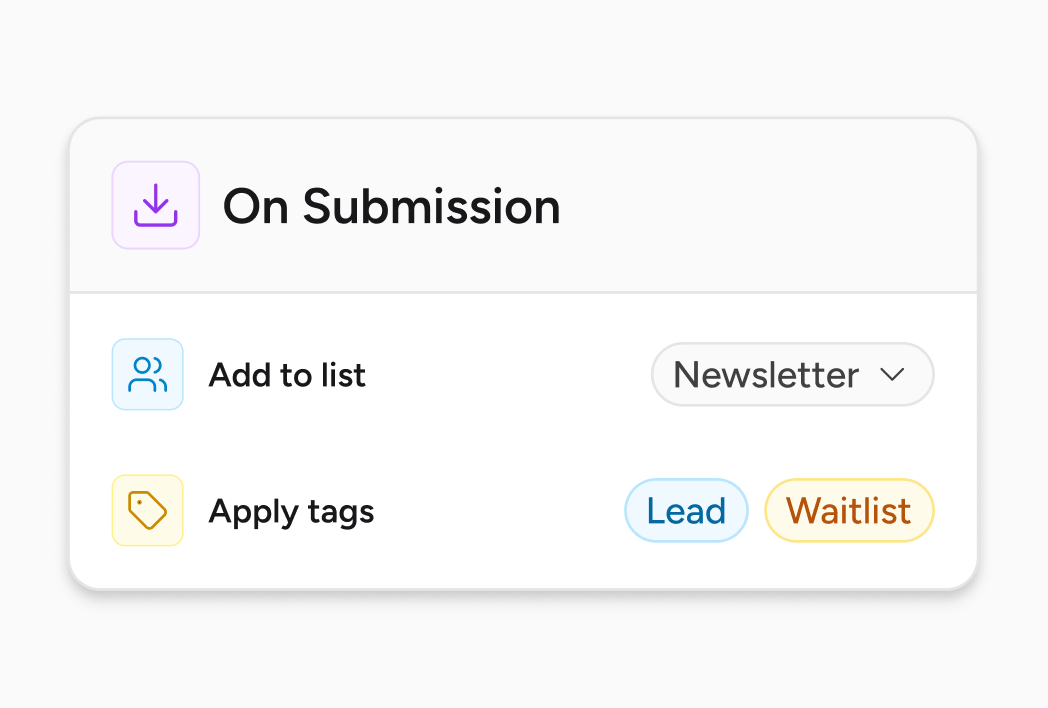
Assign lists and tags directly from the form settings. Every contact is categorized the moment they submit – no extra setup required. Contacts are organized before any automation runs.
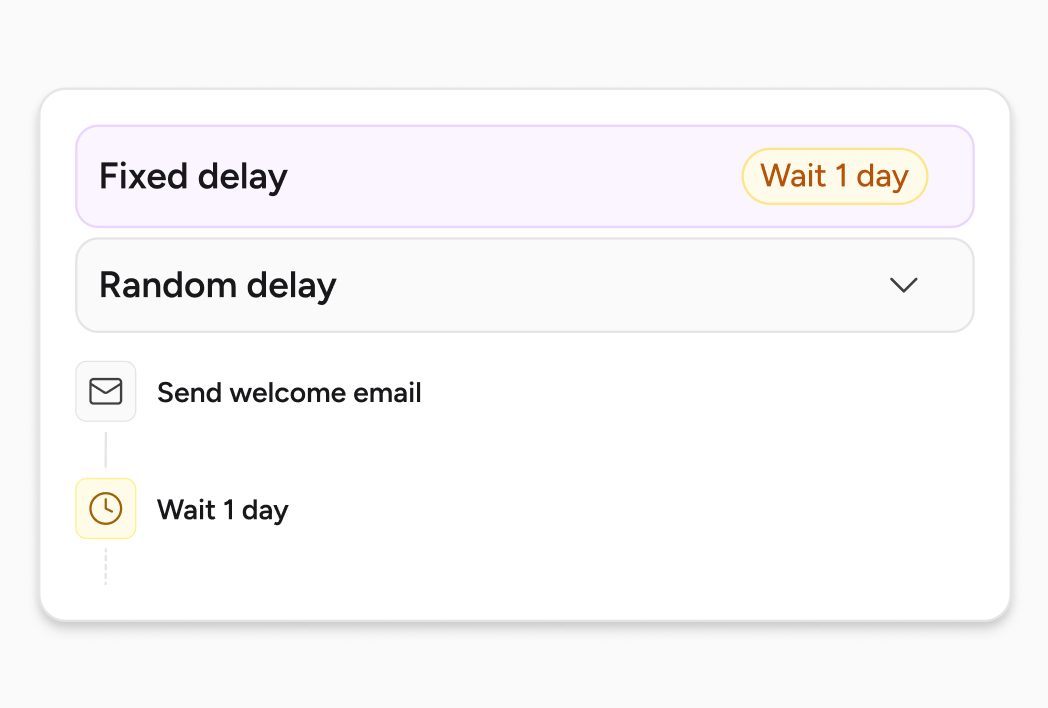
Trigger different automations for different forms. Send onboarding emails, notify your team, or start follow-ups – based on what was submitted. Each form connects to its own automation.

Track views, submissions, and conversion rate for every form.
Spot what’s working and improve what’s not – without needing another tool. All form data is available in one place.
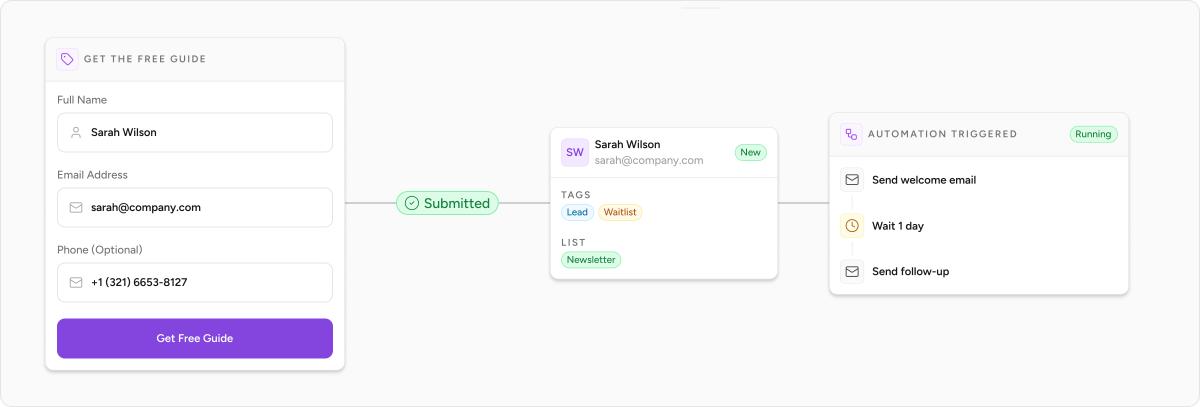
From form to first email in minutes


Set fields, assign lists and tags, and define what happens after submission.
Embed on your WordPress site or share a direct link wherever your audience is.
Every submission creates a contact, organizes it, and starts your automation instantly.
Frequently Asked Questions
Everything you need to know about SureContact
Still have questions?
Can’t find the answer you’re looking for? Our team is here to help.
SureContact’s native forms are built for lead capture — collecting contact information and adding people to your CRM with tags and list assignments. If you’re using a form plugin for other purposes (contact forms, multi-step surveys, payment forms, file uploads), you can continue using it alongside SureContact. For email signups, lead magnets, waitlists, and opt-in forms, SureContact’s native forms handle everything in one place.
Yes. Install the SureContact WordPress plugin, and you can embed any form you’ve created into any page or post. Forms can also be shared via a direct link – useful for email campaigns, social media bios, or any placement where embedding isn’t practical.
SureContact checks for an existing contact with the same email address. If a match is found, the contact record is updated – new tags and list assignments are applied – rather than creating a duplicate. You can also configure whether imported or submitted data overwrites existing contact fields.
Yes. The Form Submission trigger in SureContact’s automation builder lets you specify which form starts which workflow. You can have multiple forms – each connected to its own automation – running simultaneously. A lead magnet form and a waitlist form can fire completely different sequences to the right people.
No. You can create as many forms as you need within your workspace. Each form gets its own analytics, its own list and tag assignments, and its own automation trigger configuration.
Built by the team behind
WordPress’s biggest platforms.

Your next lead deserves a better welcome than “added to list.”
Build a form, connect an automation, and give every new contact a first experience that actually means something – all from one place.
No credit card required.